The video showcases the product in use.The video guides you through product setup.The video shows the product being unpacked.
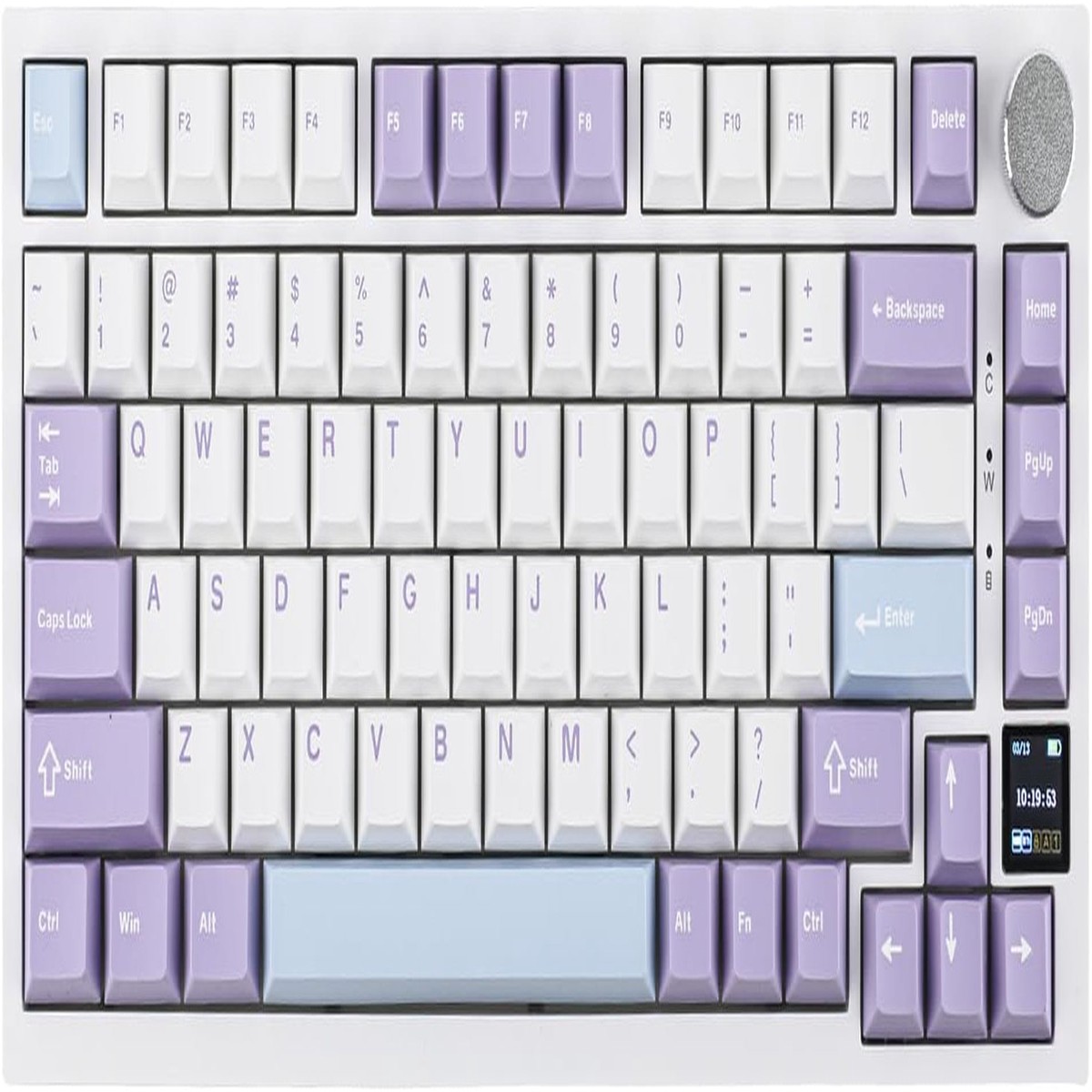
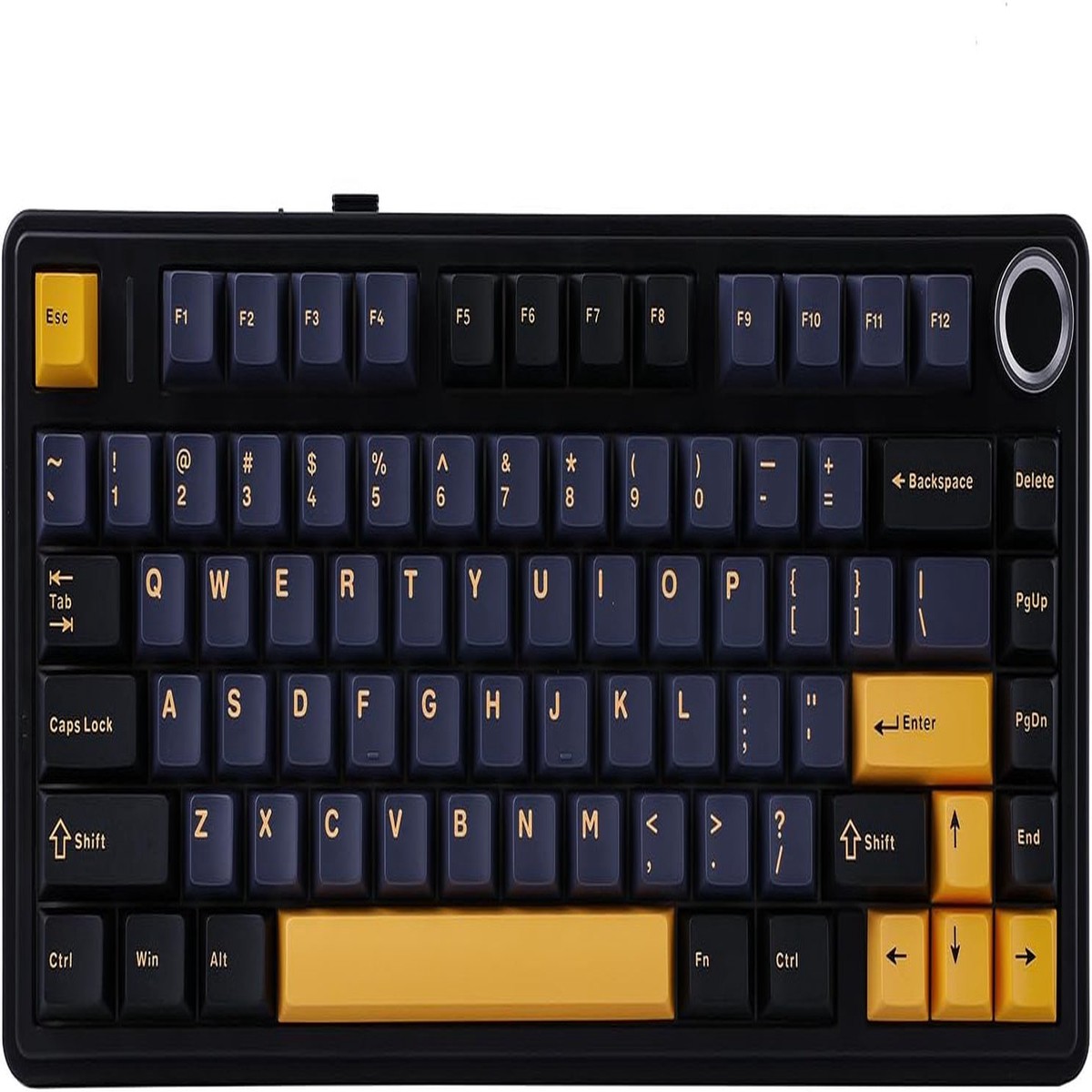
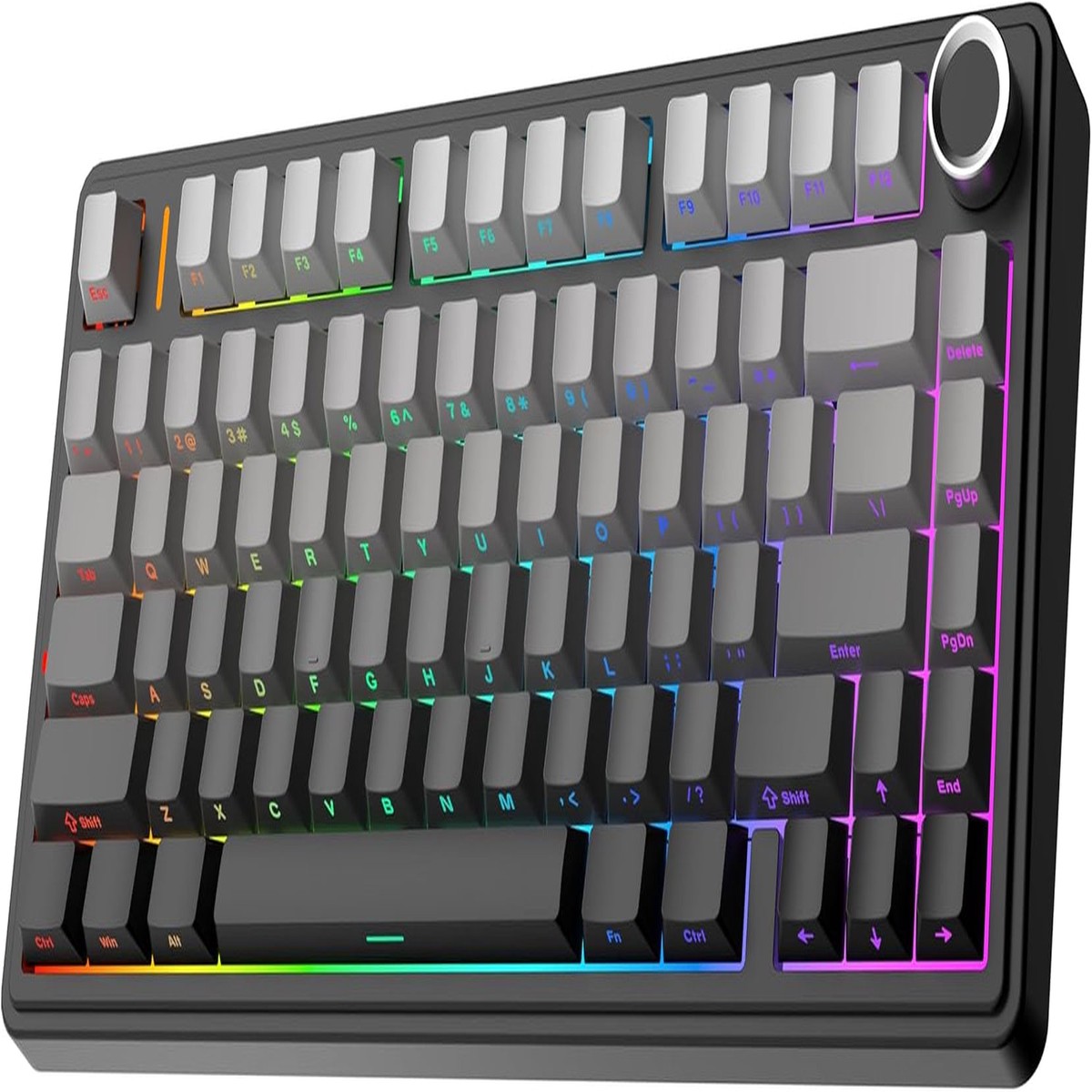
AK820 PRO Keyboard
Key Operation Instruction
FN + Knob
Enter the setting page,the knob controls the left and right direction,press the knob to confirm
4000mAh Battery
Rechargeable battery. Approximately 100 hours of use with backlight off. Approximately 20 hours with backlight on.
Two-stage Adjustable Stand
Ergonomic design. The height of the keyboard can be adjusted according to the user’s needs.
WIN/MAC Switch
A Win/Mac toggle switch is located on the back of the keyboard. Users can quickly switch between systems
Keyboard Indicator
The keyboard comes with 3 indicator lights. At a glance.
in OEM profile
Made from durable, non-greasy PBT. All AK820 PRO keycaps are solid and stay put.
Note: The driver only supports Windows
How to quickly switch the language of the screen?
FN+C: Language switch to Chinese
FN+V: Language switch to English
How do you change the time on the small screen?
1, Download AK820 PRO driver.
2, TFTTime Syns
Is this keyboard hot swap with 5 pins?
The switches used in this keyboard are 3-pin. But the keyboard’s hot swap socket supports 5-pin mechanical switches.
Is there any way I am able to customize the RGB settings without using a Windows computer?
You can use the keyboard screen to operate the mode change of RGB lights. If you need to use macro editing software, you need to use Windows system.
Can you remap the keys?
Yes, the driver allows you to map keys, record macros, set keyboard backlighting and load GIF i
Reviews
There are no reviews yet.
Be the first to review “EPOMAKER Ajazz AK820 Pro 75% Gasket-Mounted Mechanical Keyboard with TFT Screen, 3 Modes(Bt/2.4G Wireless & Type-C Wired), Sound Dampening Foams (White Purple, Ajazz Gift Switch)” Cancel reply

 -50%
Reviews
There are no reviews yet.