
 -20%
Gaming Consoles & Controllers
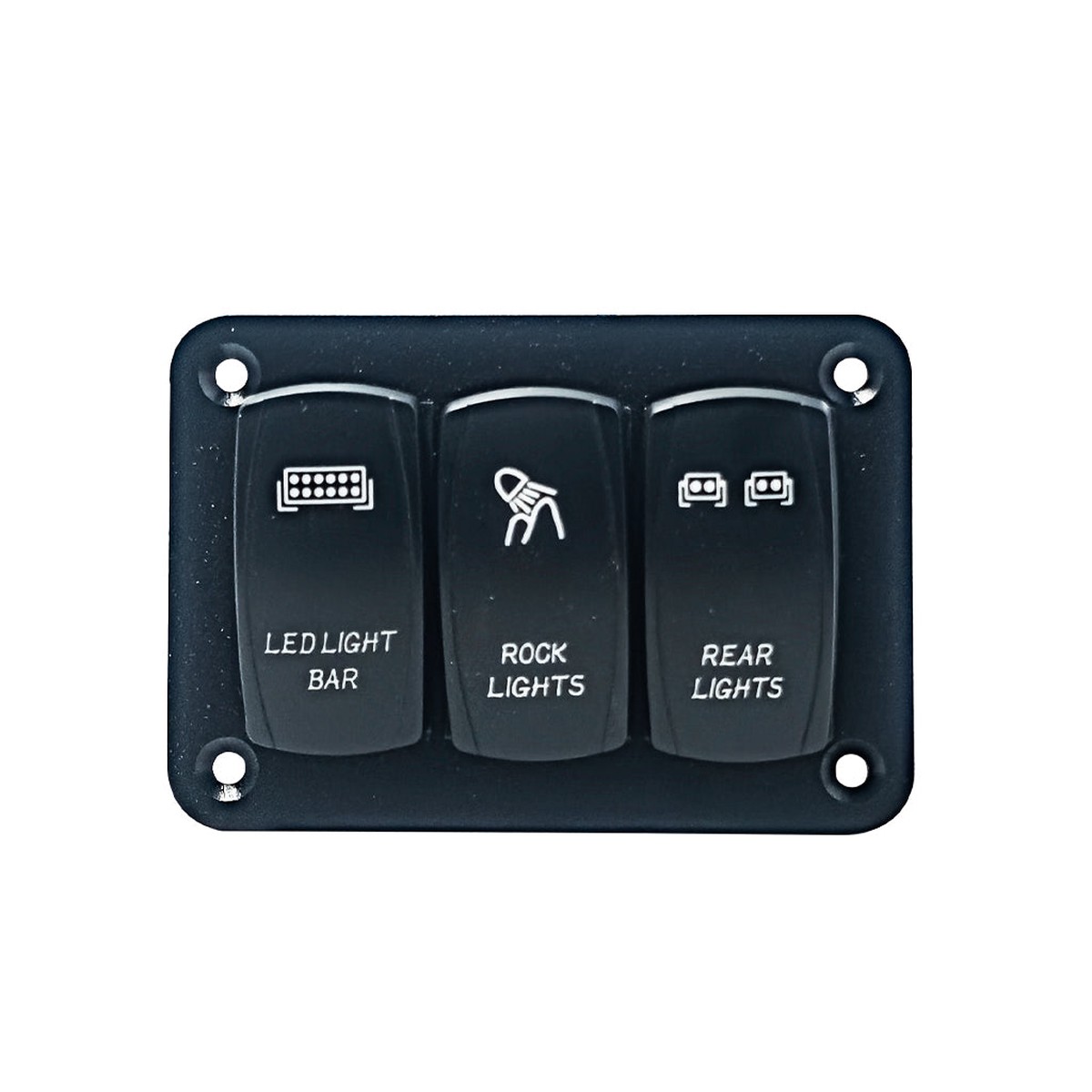
3 Switch Rocker Panel | Rock Lights | Light Bar | Rear Lights
Original price was: $39.97.$31.98Current price is: $31.98.
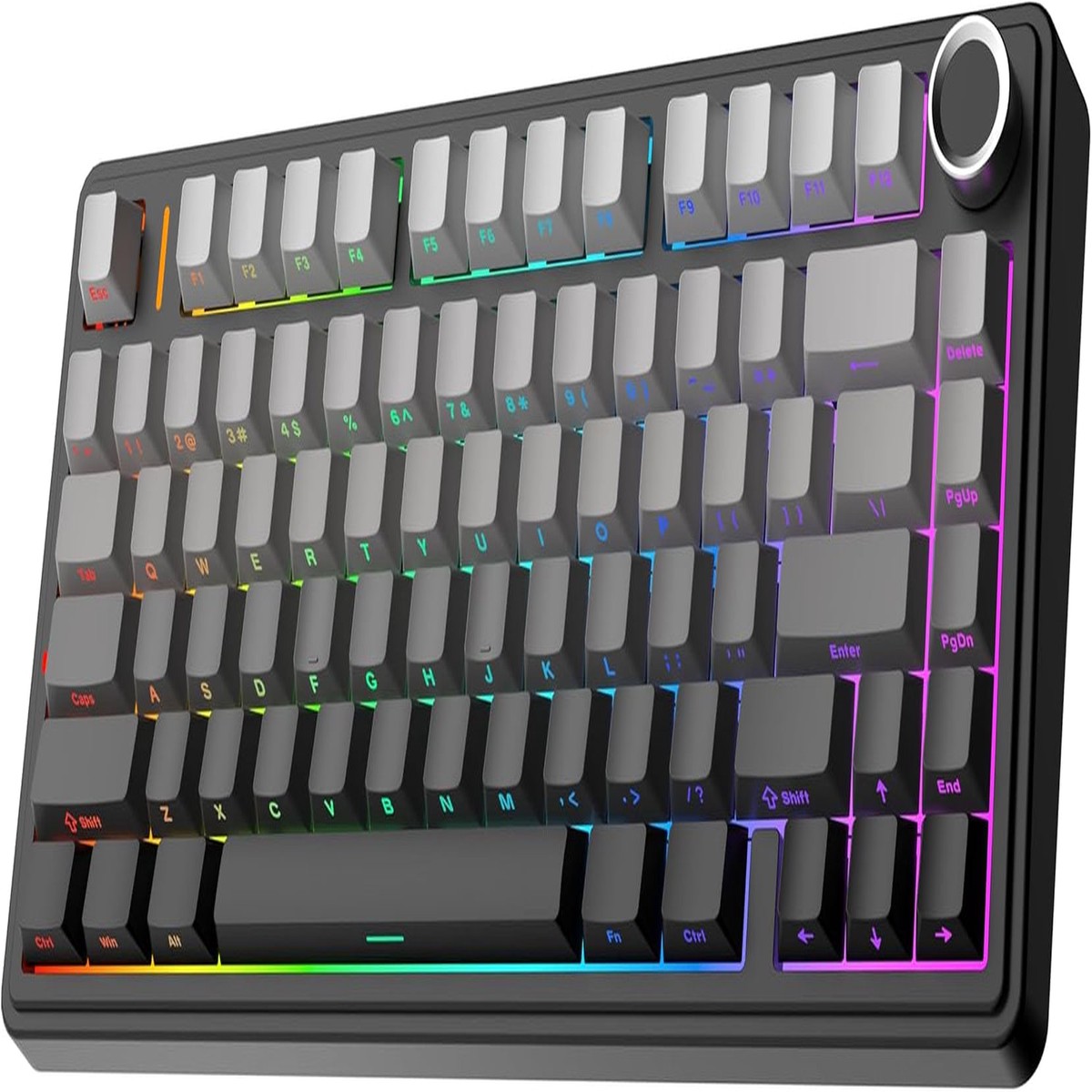
The F75 boasts a five-layer sound and shock-absorbing internal design, including two layers of Poron foam, an IXPE switch pad, a PET sound enhancement pad, and a bottom silicone pad. This sophisticated construction reduces typing noise and resonance, delivering a tranquil and focused typing environment.
F75 gaming keyboards equipped with pre-lubricated stabilizers and pre-lube linear mechanical switches, bring a smooth typing feeling and pleasant creamy sound, providing fast response for exciting games.
These mechanical switches provide excellent performance and durability for both gaming and typing purposes. Choose the LEOBOG Reaper Switch for a balanced and responsive keystroke, the Ice Vein Switch for a lighter touch, the TTC Crescent Switch for swift and accurate inputs, or the Graywood V3 Switch for a softer and more comfortable typing experience. Upgrade your keyboard with these superior switches and take your productivity or gaming skills to the next level.
Equipped with a function knob to switch between Gaming Mode and Office Mode. In gaming mode, you can rotate the knob to adjust the brightness of the lights and click the knob to easily switch the lighting effects; in office mode, rotate the knob to adjust the volume and click the knob to play or pause.
(Tips: Knob can’t wake PC from sleep.)
Pressing and holding “FN” can check the connection mode and operating system of the keyboard
Charging Indicator: “FN+L_shfit” can switch the charging indicator light effect until it is tur
-20%  -50%
 -50%
 -50%
Reviews
There are no reviews yet.