
 -20%
Gaming Consoles & Controllers
Nintendo Switch 2 Joy-Con Storage Case
Original price was: $17.99.$14.39Current price is: $14.39.
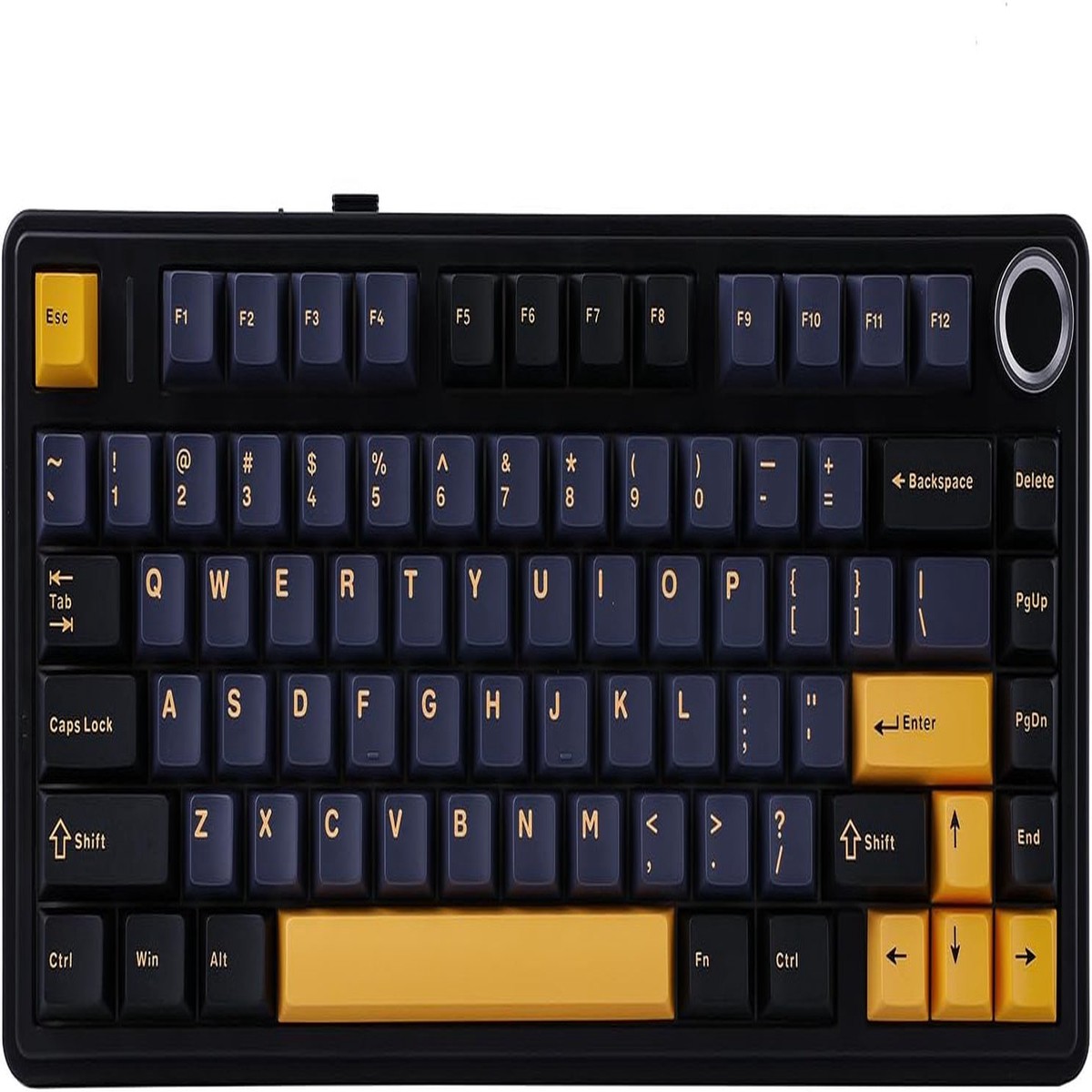
Equipped with a function knob to switch between Gaming Mode and Office Mode. In gaming mode, you can rotate the knob to adjust the brightness of the lights and click the knob to easily switch the lighting effects; in office mode, rotate the knob to adjust the volume and click the knob to play or pause.
(Tips: Knob can’t wake PC from sleep.)
Pressing and holding “FN” can check the connection mode and operating system of the keyboard
Charging Indicator: “FN+L_shfit” can switch the charging indicator light effect until it is turned off
Connection Mode: ~`=2.4g wireless mode, 1/2/3=BT1/BT2/BT3 mode OS: Q=Android, W=Windows, E=MAC, Switching through FN+Q/W/E
Note: If the WIN key or Alt key stops working properly, use FN+Q/W/E/R to switch to the correct OS mode.
The F75 boasts a five-layer sound and shock-absorbing internal design, including two layers of Poron foam, an IXPE switch pad, a PET sound enhancement pad, and a bottom silicone pad. This sophisticated construction reduces typing noise and resonance, delivering a tranquil and focused typing environment.
Easy to connect and switch modes. Comes with a type C keyboard cable, fast transmission speed, and durability.
The two-step kickstand allows users to adjust the keyboard height to the desired angle.
In wireless mode, press “FN+B” at the same time to check the battery level.
-20% 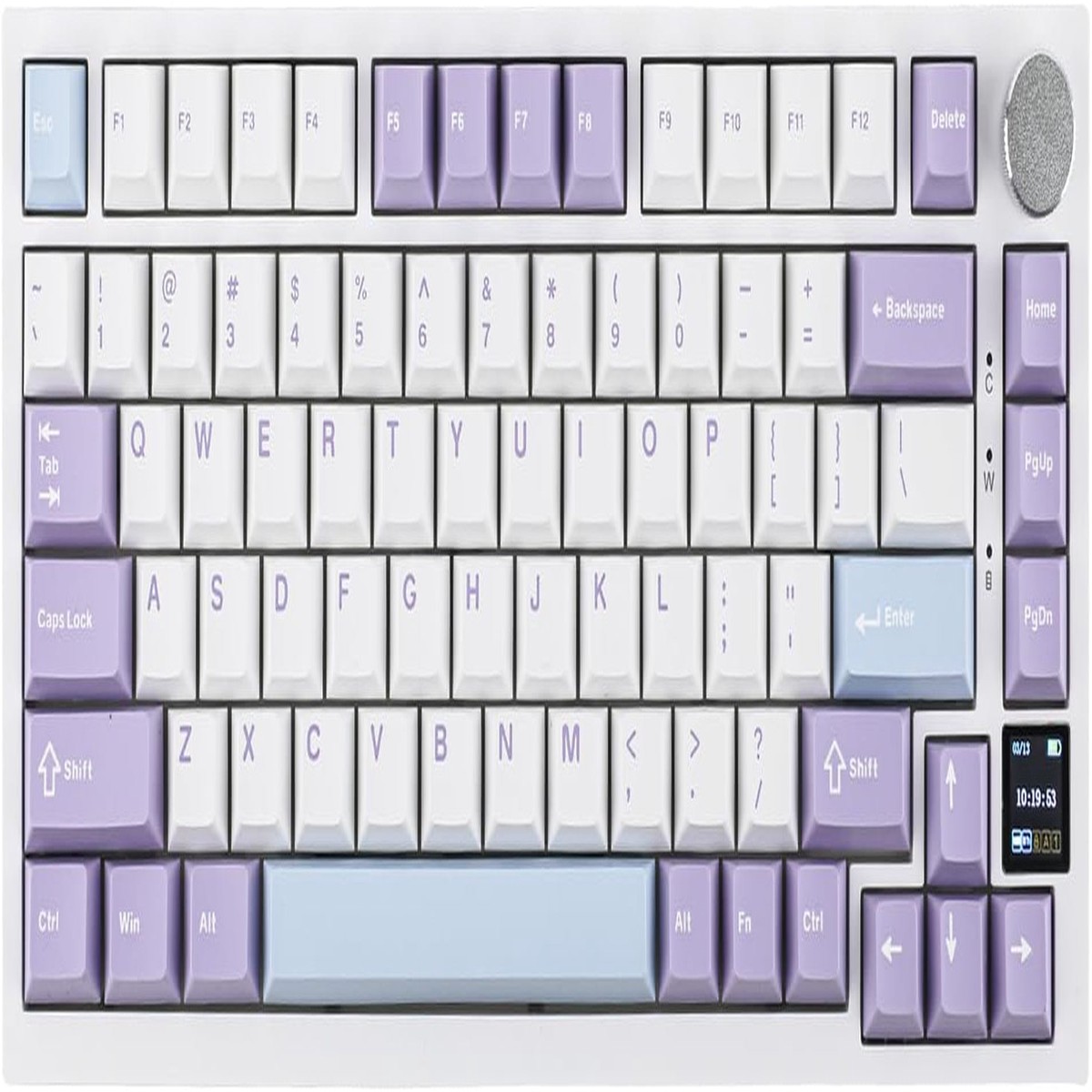 -50%
 -20%
 -50%
Reviews
There are no reviews yet.