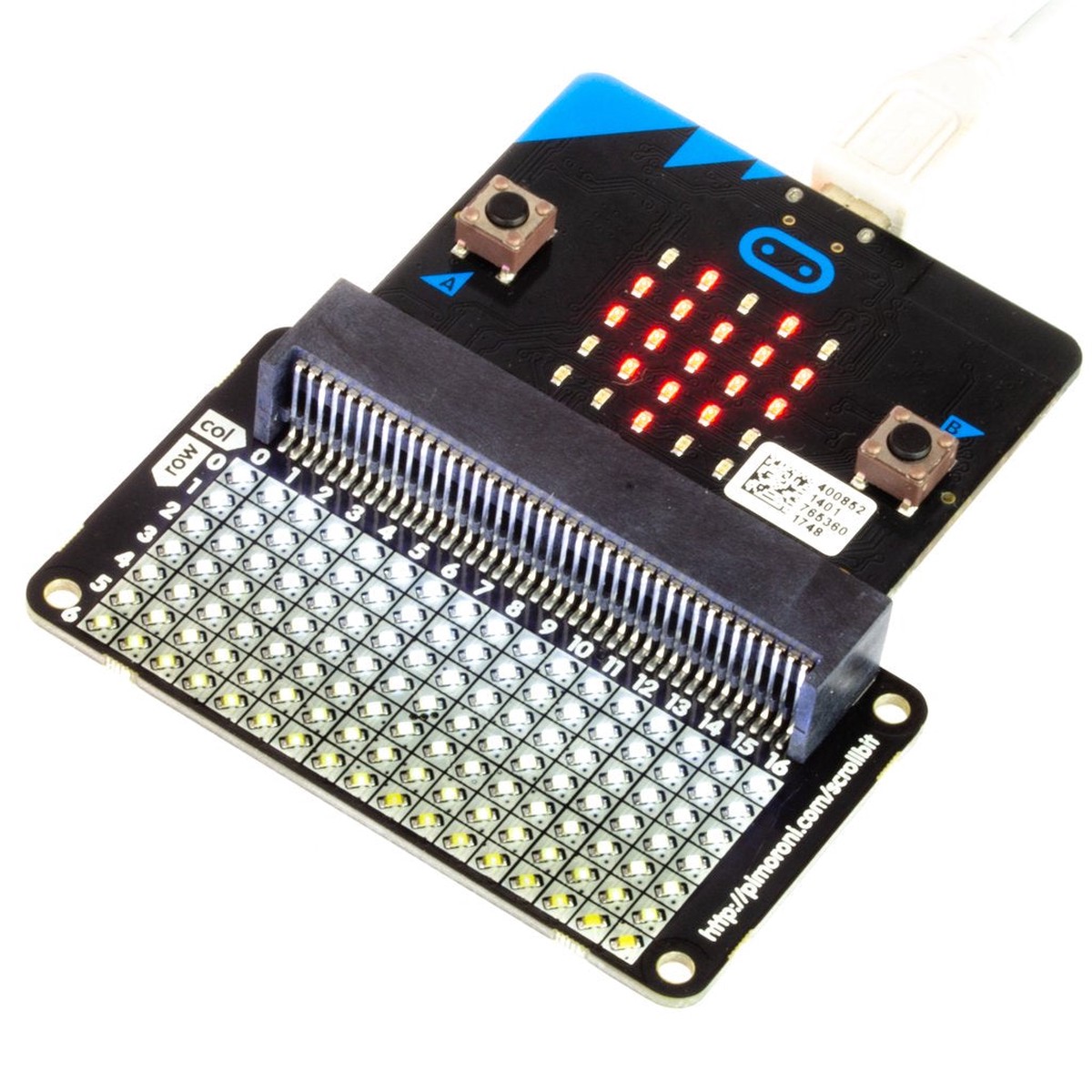
scroll:bit is a little display with a lot of pixels! Its 119 bright white LEDs are perfect for scrolling messages with yourmicro:bit, or for animations, graphs, and more!
Just slot in your micro:bit, then code scroll:bitwith the block-basedMicrosoft MakeCode editor, or with MicroPython in theMu code editor. It works in a very similar way to the built-in red LED matrix on your micro:bit, so if you’ve used that then you’ll know exactly what to do.
You can code scroll:bit with the block-basedMicrosoft MakeCode editor, that’ll get you started with the concepts of how to code a matrix of LEDsor,if you want to delve deeper, then you can useMicroPython in theMu code editor.
To add the scroll:bit library in MakeCode, click on the cog at the top right hand corner, then “Add Package”, then search for “scrollbit”. You can find full instructions at theGitHub repository for the library.
Our MicroPython library for scroll:bit isalsoavailable at GitHub, again with full instructions on how to get going with it.
Reviews
There are no reviews yet.
Be the first to review “Pimoroni scroll:bit for BBC micro:bit” Cancel reply

 -20%


Reviews
There are no reviews yet.