
 -20%
Home & Decor
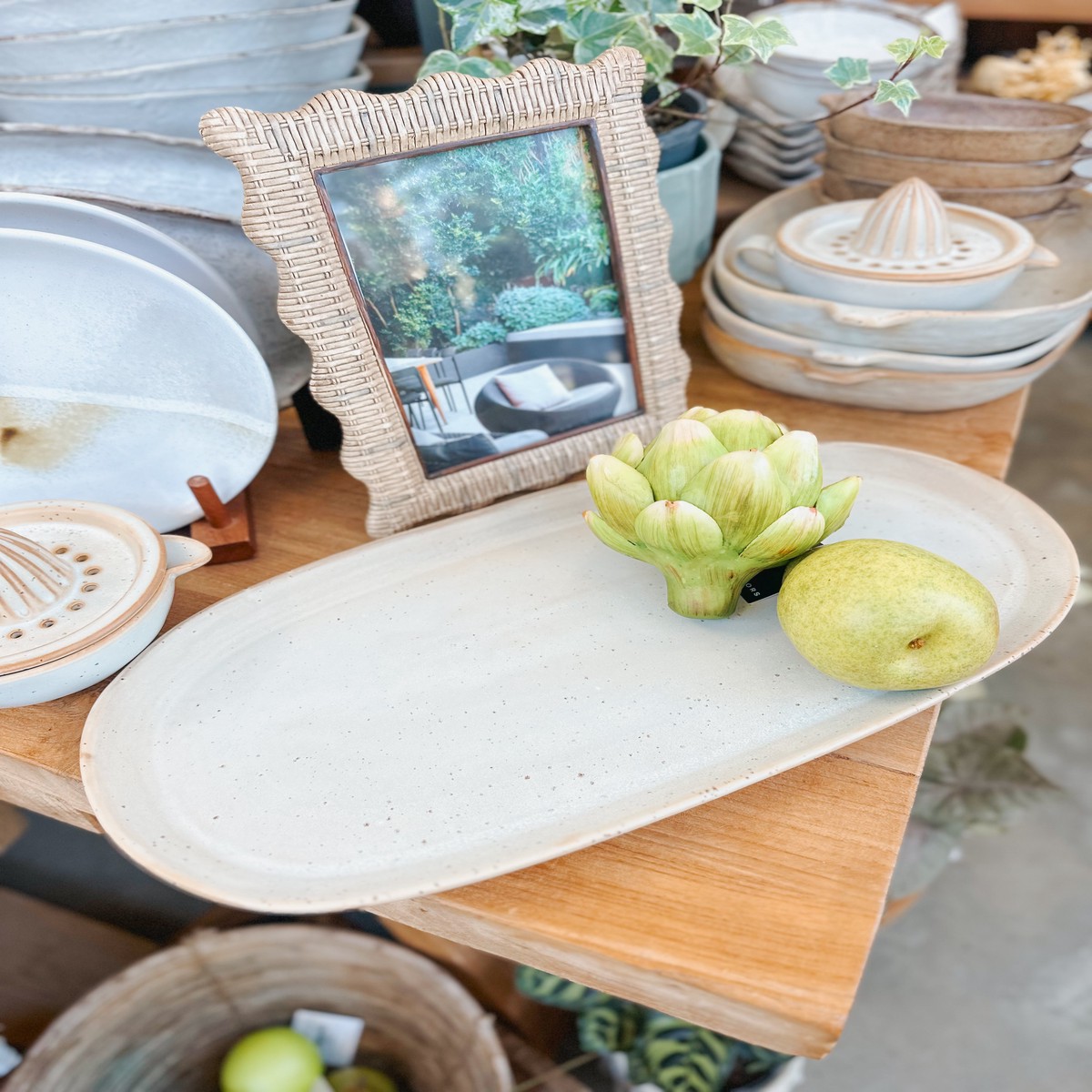
Henri Ceramic Platter - Small
Original price was: $24.00.$19.20Current price is: $19.20.
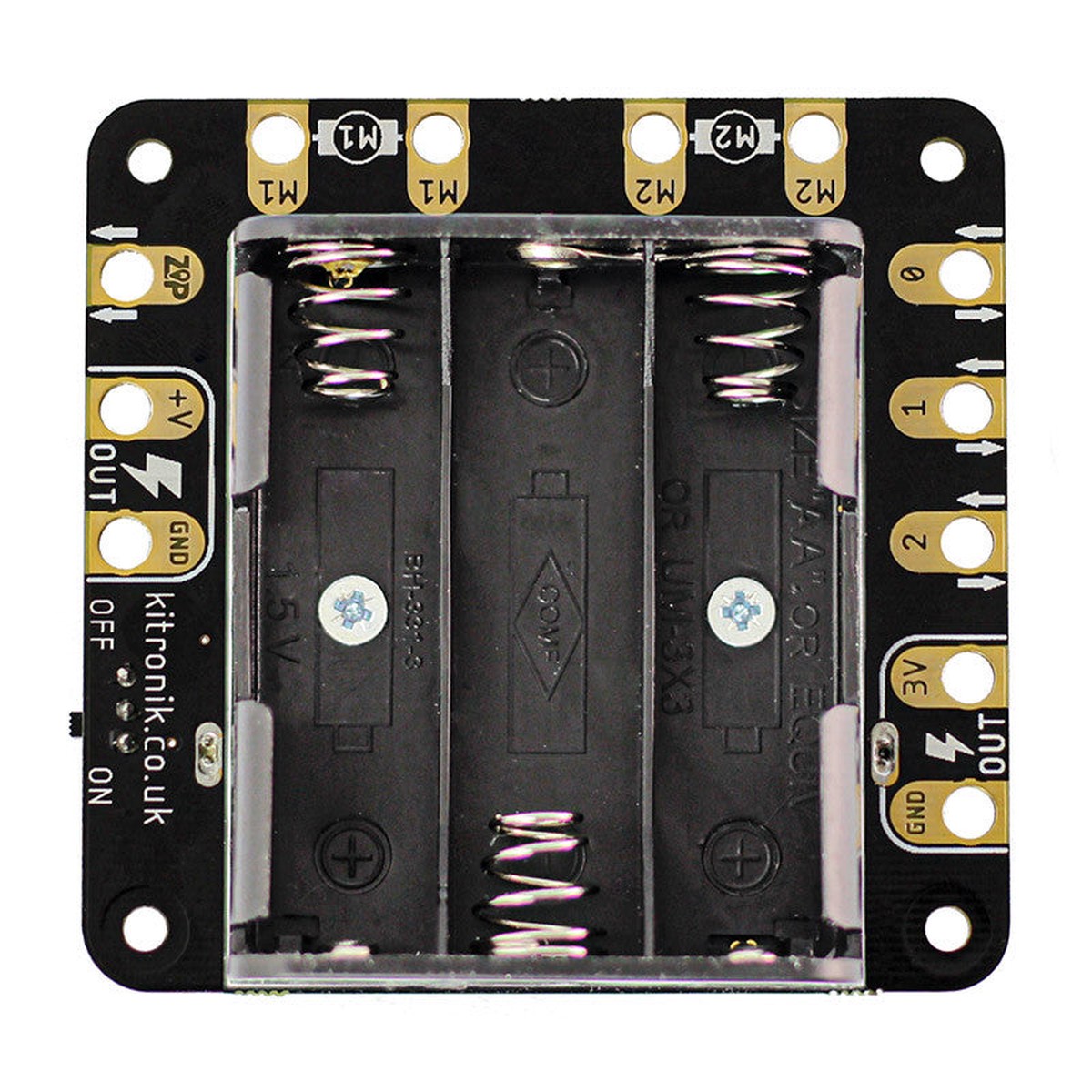
The Klip Motor Driver for the BBC micro:bit does much more than just drive motors. It also breaks out pins 0, 1, 2, 3V and GDN (just like the main pads on the BBC micro:bit itself), and theres a ZIP LED output as well, along with the battery voltage and another GND connection. All of these pads are designed specifically for use with crocodile clips and banana plugs. That means no soldering or fiddling with connection blocks. Also, the pads have been designed and spaced to make it difficult to short two together with crocodile clips. This makes it ideal for use with younger children who can build buggies with little more than a couple of motors, a chassis, some elastic bands and the clip motor driver..
It can run two DC motors simultaneously, both clockwise and counter-clockwise, and at varying speeds. Some examples of motors to use would be right angled geared hobby motors and solderless gearmotors. The ZIP LED output connection is ideally suited for use with the ZIP Hex boards, as they also have croc-clip connections.
The main BBC micro:bit pin breakout section is great for controlling the Kitronik :CITY products, such as:
The board also features status LEDs. There are LEDs for board powered on, pins 0, 1, 2, 3 and also the two motor outputs. The motor indicator LEDs don’t just monitor activity, they also indicate which direction each motor is running in, green for forwards and red for backwards. These LEDs don’t just look nice, they are a great way of visually troubleshooting your code and they even allow you test your code without having to connect motors or devices to pins 0, 1, 2, 3.
Power is provided via the integrated battery supply (3 x AA, 4.5V), and the board then produces a regulated 3.3V supply which is fed into the 3V and GND connections to power the connected BBC micro:bit, removing the need to power the BBC micro:bit separately.
Kitronik have produced a set of custom blocks for the MakeCode editor to simplify using the Klip Motor Driver. To add them to the editor, select the cog icon in the top right of the editor. Then, select Extensions from the drop down menu and in the search bar type and enter Kitronik. Pick the tile from the list and the new blocks will be added to the menu in the editor. We’ve also included b
-20%  -20%
 -20%
 -45%
Reviews
There are no reviews yet.