
 -50%
Cables & Adapters
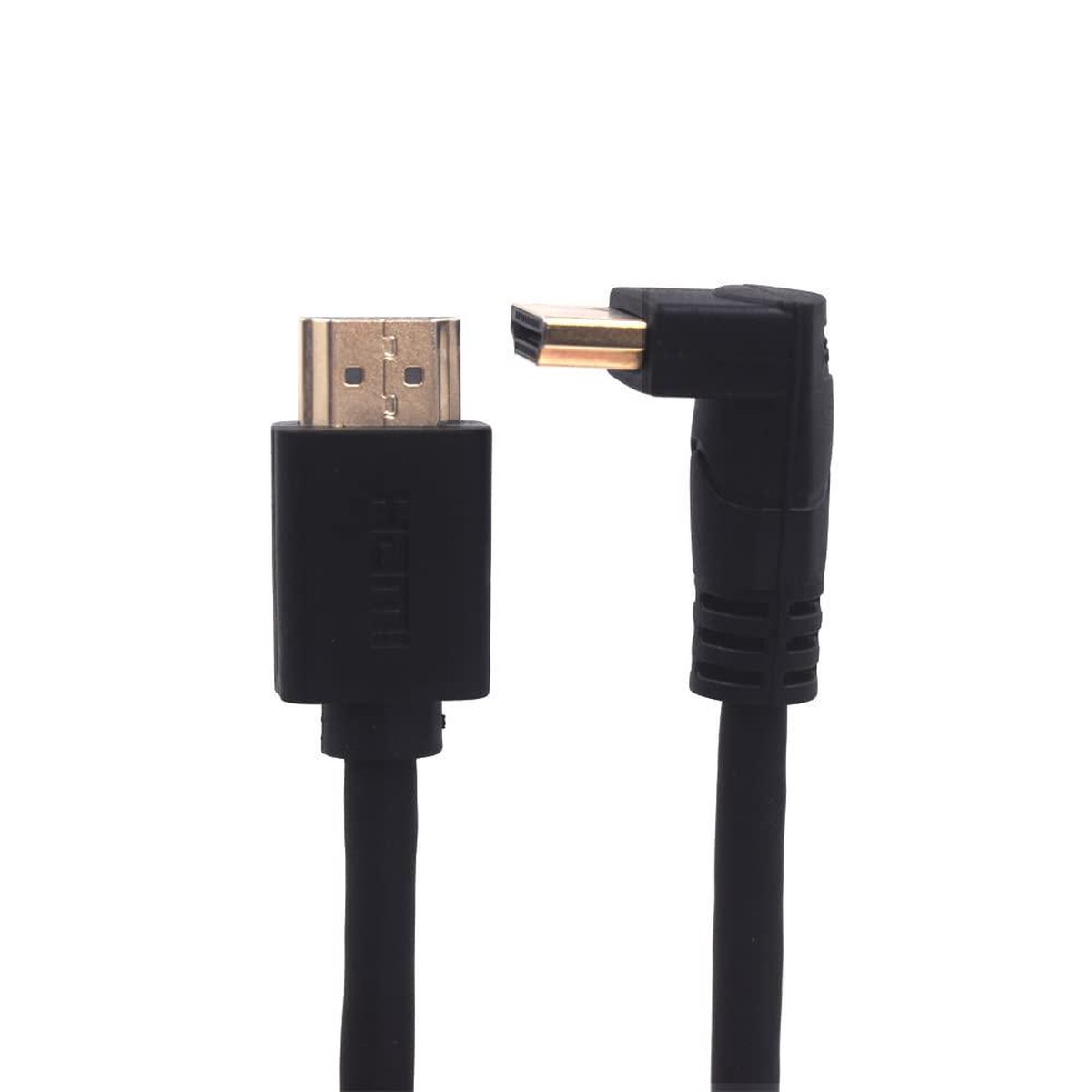
NRDIC kulmikas HDMI-adapteri 4K30Hz UHD uros-uros 30cm musta
Original price was: $77.00.$38.50Current price is: $38.50.
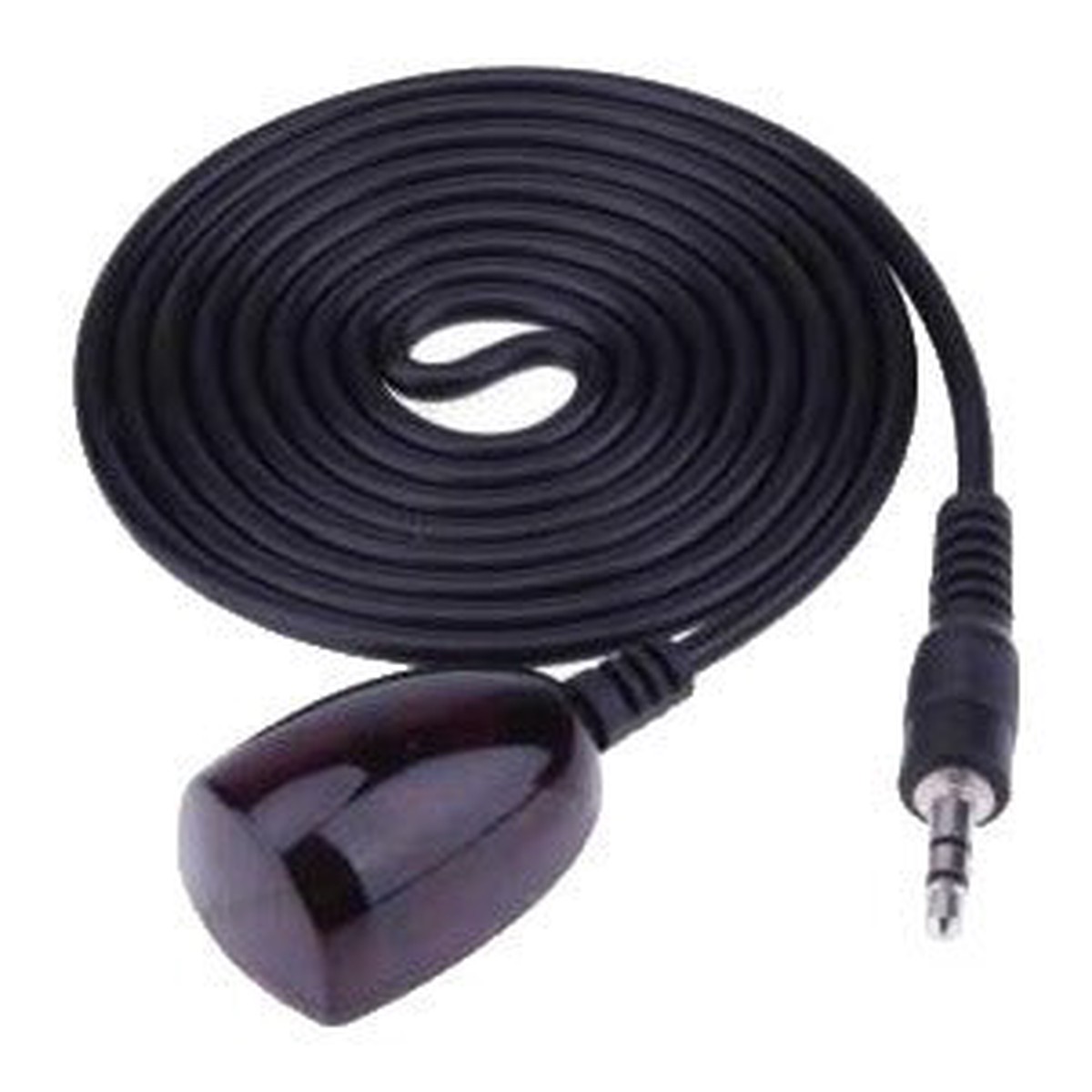
Place a compatible Formuler receiver out of direct sight while keeping its infrared remote usable. The external IR receiver connects to a supported IR Extension port and must be positioned where the remote can reach it.
This cable requires a compatible IR Extension socket. It is not a USB adapter and does not add infrared support to a receiver without the required port. Do not assume every Formuler box has this connection. Check the exact model’s port layout and connector compatibility before purchase.
Connect the cable to the supported IR Extension socket, position the receiver in the remote’s line of sight and test the controls before attaching it permanently. Keep the streaming box adequately ventilated when installing it behind a TV or in a cabinet.
After confirming that the cable and socket are compatible, check that the plug is fully seated and the sensor is visible to the remote. Follow Formulers illustrated IR-extension check. If the connector does not fit normally, confirm the model and cable with our team before continuing.
One IR Extender Cable with sticky-back receiver. No power adapter or batteries required.
Need model-specific help? Call 613-400-4588 or browse the accessory selection guide.
Free standard shipping to Canada and the USA on orders over US$99, after discounts and before taxes. Prices are in USD. Orders of US$99 or less and optional express services use the rates shown at checkout; applicable taxes are shown separately.
-50%  -50%
 -50%
 -20%
Reviews
There are no reviews yet.