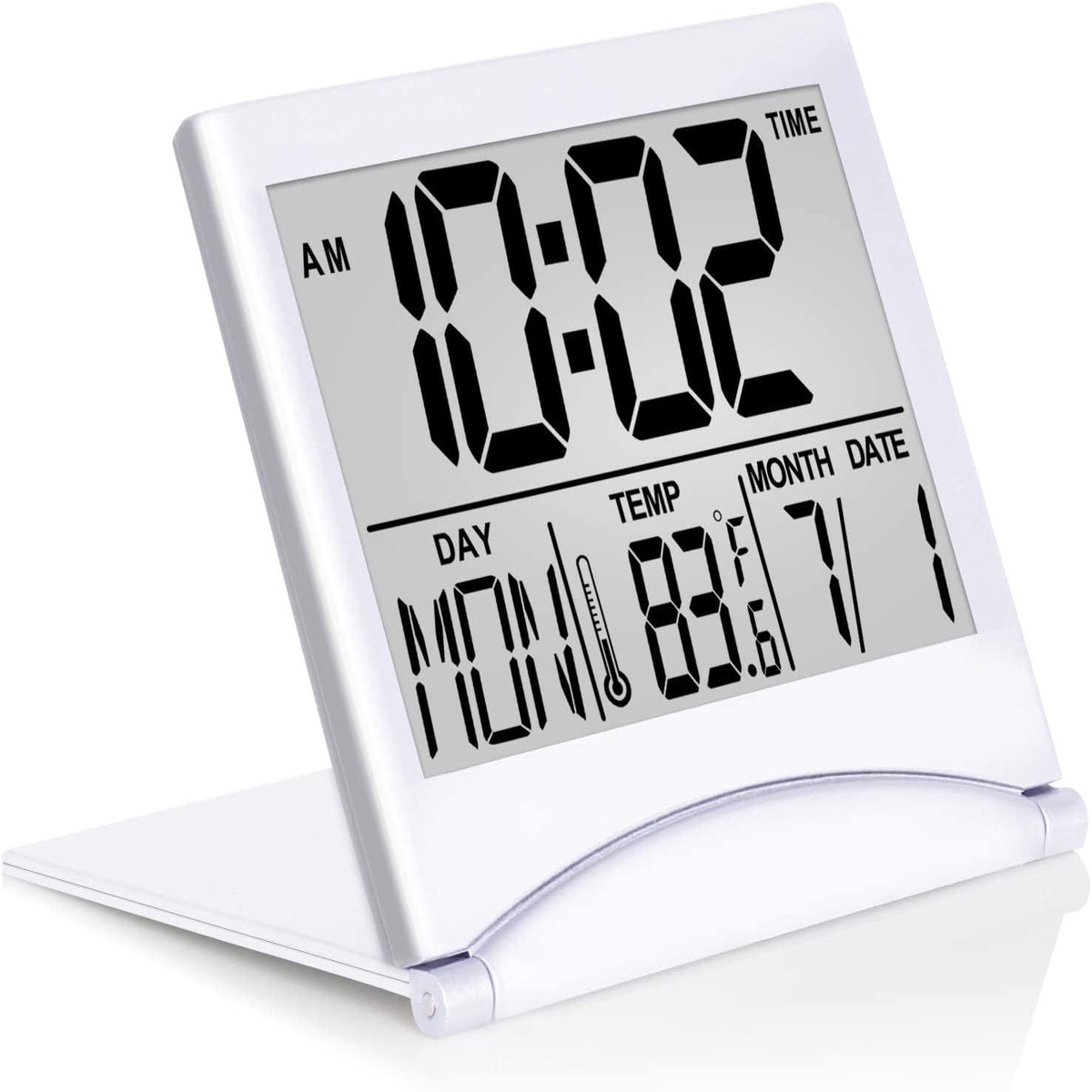
Betus Digital Travel Alarm Clock – Foldable Calendar Temperature Timer LCD Clock with Snooze Mode – Large Number Display, Battery Operated – Compact Desk Clock for All Ages (Silver
$60.95Original price was: $60.95.$30.48Current price is: $30.48.
Multiple Features – A clock that satisfies all you need. Large font display makes it bold and easy to read. Not only does it tell the date, time, and temperature, but also it has features with alarm clock and timer.
Portable And Elegant – A minimized size of 3″ x 3.4″ x 0.5″, compact and lightweight for easily pack or toss into your purse. Collapsible with a stable stand, perfect size for a travel clock.
Easy Operated Please note to update the Year before setting the correct day. (Press the Set button three times to get to the year). You can watch the video instruction on the detail page or read the instruction on the description part to easily set with more features. If you have trouble setting the clock, please do not hesitate to let us know!
Indispensable Daily Tool – Help you to get daily information quickly, then you can pick the clothes to wear today with no hurry. It takes no more than a few minutes to figure out the setup instructions. Note: This clock doesn’t feature the backlight.
SET the Time and Date
SET TIME FORMAT: In time mode, press ADJ/UP button to change time format between12-hour and 24-hour.
SET TIME : : In time mode, press the “SET” button, the number will flash. Hit the “UP button to adjust theHour. Hit the “SET” button to set theMinute, use the “UP” button to change it. Press the “SET” button again and press “UP” to adjust theYear. Press the “SET” button then press “UP” to select theMonth. Press “SET” and adjust theDatewith the “UP” button. Once done, press the “SET” button to exit.
Please ensure you set the correct year, otherwise the date/day will display incorrectly.There is no way to change the day directly. Once you have selected the correct year, month and date, the day will display correctly.If you find the day display incorrectly: In time mode, press the “SET” button three times, then press “UP” to select the correct year. Press the “SET” and “UP” with the same steps to select correct Month and Date. Once done, hit the “SET” button, the day will change correctly.
Set the Alarm
Press MODE button to enter into alarm setting mode. Then press SET button to set hours, minutes, snooze and alarm tone in sequence. (Press UP and DOWN button to choose your desired time, snooze time and alarm). TURN ON/OFF ALARM & SNOOZE :In alarm mode, press DOWN or UP button to turn on/off the alarm and snooze. When alarm goes off, it will ring for 1 minute. When snooze is set up, snooze will work ONLY twice. During alarm, press any button (except set) to snooze, press SET to discharge.
Our tutorial videos are going to show you step-by-step how to set the Betus travel alarm clock
Reviews
There are no reviews yet.
Be the first to review “Betus Digital Travel Alarm Clock – Foldable Calendar Temperature Timer LCD Clock with Snooze Mode – Large Number Display, Battery Operated – Compact Desk Clock for All Ages (Silver” Cancel reply

 -50%
 -50%
 -50%
 -20%
Reviews
There are no reviews yet.