
 -50%
General Accessories & Parts
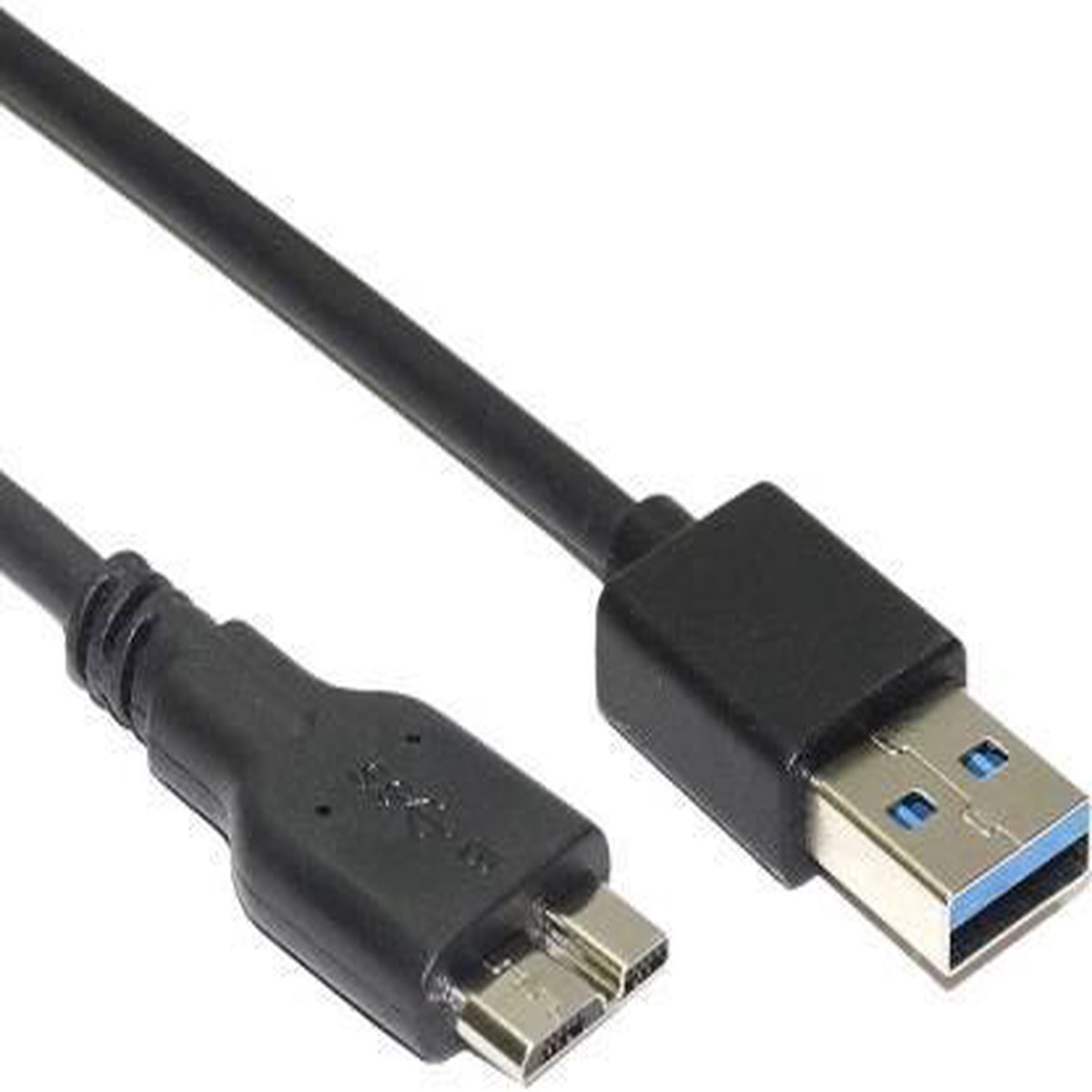
NRDIC USB 3.1 -kaapeli USB A - USB Micro B 3m musta
Original price was: $52.00.$26.00Current price is: $26.00.

USB plug-and-play dedicated math keyboard that works alongside your computer keyboard.
High contrast, large font numbers and symbols with clicky keys–useful early learners or those with visual or motor impairments. An excellent compliment to large font keyboards which lack a number keypad (i.e, Clevy keyboard).
Dimensions:
Keyboard includes a built-in 3 foot USB-A cord
If a longer cord is needed, please purchase a female USB-A to male USB-A extender in the length of your choice.
Download manualHERE.
Compatibility:
Screen Readers**: NVDA, JAWS (hardware keyboard)
**Optimized for NVDA–currently there are a few non-spoken characters for ? (white circle), ? (horizontal line), select, and subscript down-carat. These can be names can be added to your NVDA custom dictionary per their standard methods.
Choose 1 of the following keyboard language options:
Limited Compatibility with the following:
Mac OS must be used with the Unicode Hex language input (a US QWERTY based keyboard layout with the ability to recognize Unicode special characters). This is done using the Mac installer on the Keyboard Setup & Downloads tab, or the Manual Mac OS Setup page.
AZERTY Operating Systems, and other foreign languages Operating Systems are not compatible with the math keyboard code. The user would need to add an additional keyboard input language for US QWERTY (or an English QWERTY variant) to their computer and switch to that input mode whenever using the math keyboard.
Maintenance:
Wipe with damp cloth.
-50%  -50%
 -20%
 -50%
Reviews
There are no reviews yet.